Cybersecurity matters to individuals, businesses, schools, and public agencies because a single weak point can expose accounts, personal information, essential services, or sensitive records. Phishing, ransomware, stolen passwords, data leaks, and attacks on connected devices are growing risks, but practical safeguards can reduce their impact.
This guide explains what cybersecurity is, how common attacks work, which controls lower risk, and what you can do today to protect systems and data. First, we’ll look at the threats people and organizations face most often.
What Is Cybersecurity and Why Does It Matter?
Cybersecurity is the protection of devices, networks, applications, accounts, and data from unauthorized access, damage, or disruption. Its goals are confidentiality, keeping sensitive information private; integrity, preventing unauthorized changes; and availability, keeping systems and data accessible when people need them. NIST describes these goals as the three pillars of information security.
For example, confidentiality keeps employee records away from unauthorized users. Integrity prevents someone from changing a payment amount or medical record. Availability helps a hospital access patient systems during an emergency. Cybersecurity is also a shared responsibility. One reused password or unsafe email attachment can give attackers access to systems used by an entire organization.
The Main Areas Cybersecurity Protects
Cybersecurity covers more than antivirus software. It protects each part of the environment where people connect, work, store information, or make decisions.
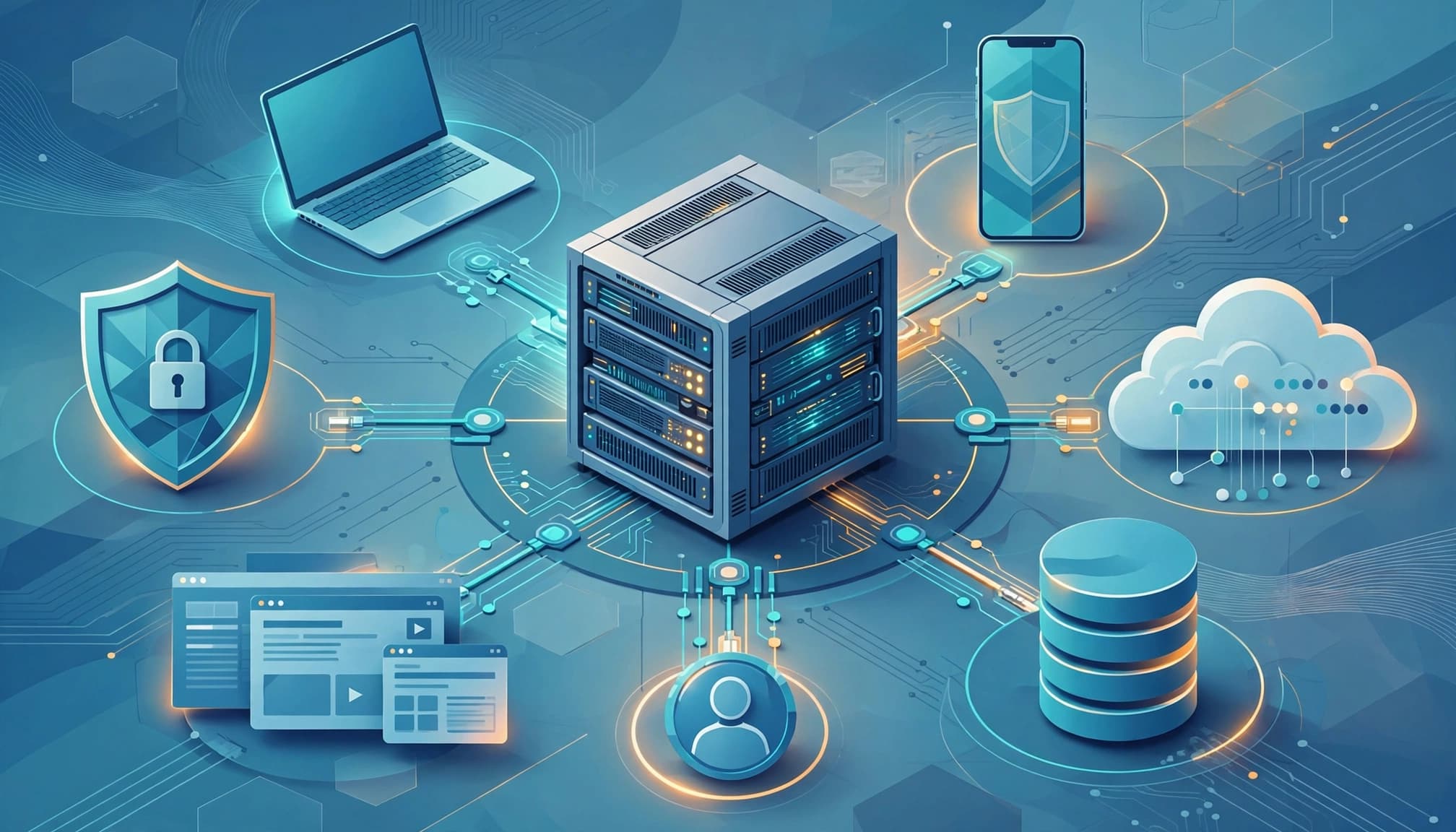
- Network security protects connections and traffic, such as an office network from unauthorized access.
- Endpoint security protects laptops, phones, and other devices, including a company laptop infected by malware.
- Cloud security protects online services and hosted data, such as customer files stored in a cloud platform.
- Application security reduces weaknesses in software, such as a flaw that exposes account details.
- Data security protects information through access controls, encryption, backups, and safe handling.
- Identity and access management controls who can use systems and what they can do, such as limiting payroll access to authorized staff.
- Security awareness helps people recognize risks, such as a fake invoice email designed to steal a password.
How Cybersecurity Differs From Privacy and Information Security
These terms overlap, but they answer different questions. Cybersecurity asks how an organization will defend digital systems. Information security protects information in any form, including paper records, printed contracts, and digital files. NIST defines information security protections around preventing unauthorized access, use, disclosure, disruption, modification, or destruction.
Privacy focuses on how personal information is collected, used, shared, and retained. A company may secure a customer database with encryption while still violating privacy by collecting unnecessary data or sharing it without proper notice. Security protects the data from attackers; privacy governs the organization’s decisions about that data.
The Most Common Cybersecurity Threats and How Attacks Happen
Most cyberattacks follow a simple path: an attacker finds an entry point, gains access, expands control, and causes harm. That entry point may be a deceptive message, stolen credential, malware infection, software vulnerability, insider action, compromised supplier, or exposed internet service.
Attackers target people because trust and urgency can bypass technical defenses. They target identities to reach more systems, sensitive data for theft or extortion, and exposed systems because automated attacks can find them quickly. Malware can steal information or create unauthorized access, while denial-of-service attacks overwhelm a service until legitimate users cannot reach it.
Why Phishing and Stolen Credentials Work So Often
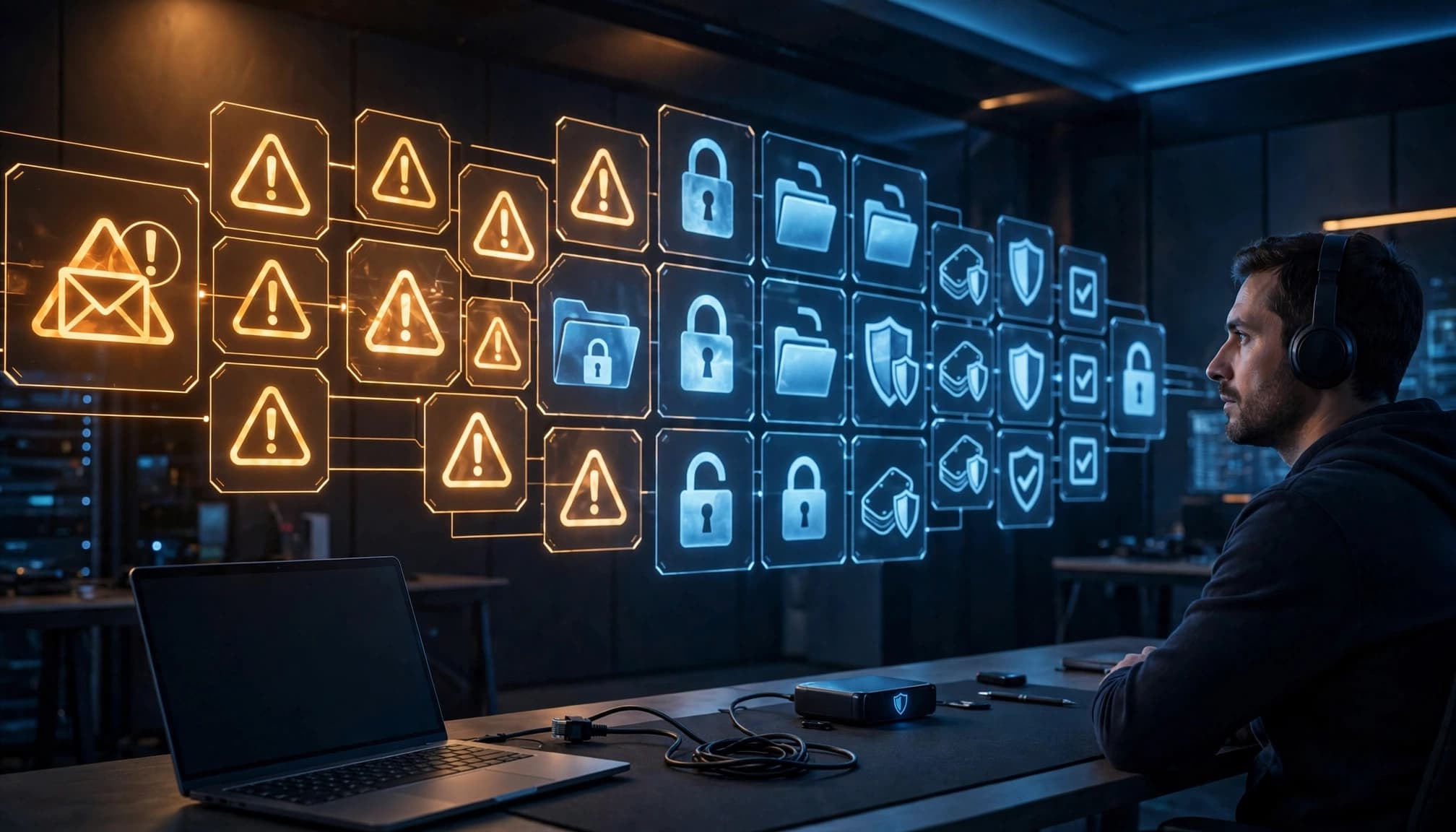
Phishing messages use familiar brands, urgent requests, or believable personal details to pressure someone into acting quickly. The same tactic can arrive through email, text message, a fake website, or a phone call. A stolen username and password may then give an attacker access to email, cloud storage, financial accounts, or internal systems.
You can reduce this risk with several practical controls:
- Turn on multi-factor authentication, especially for email, administrator, and financial accounts.
- Use a password manager to create a different password for every account.
- Check the sender, link destination, and request before responding.
- Verify unusual payment, login, or file-sharing requests through a trusted channel.
If you click a suspicious link, disconnect from sensitive accounts, change the affected password from a trusted device, and follow a documented response process. This phishing link response guide outlines useful immediate steps.
The Warning Signs of Ransomware and Data Breaches
Ransomware may suddenly lock files, rename documents, or display a payment demand. A data breach can appear as unusual account activity, missing records, unexpected downloads, or evidence that confidential information has left the organization. Attackers may also threaten to publish stolen data.
Report warning signs immediately, then isolate affected devices without deleting evidence. Organizations should rely on tested offline or protected backups and qualified incident responders rather than improvising or assuming payment will restore access. Early reporting gives security teams more time to contain the attack and protect unaffected systems.
Essential Cybersecurity Practices for People and Organizations
Good cybersecurity starts with a few high-impact habits. Secure accounts first, keep systems current, protect important files, and limit access to only what each person needs.
A Simple Cybersecurity Checklist for Everyday Users
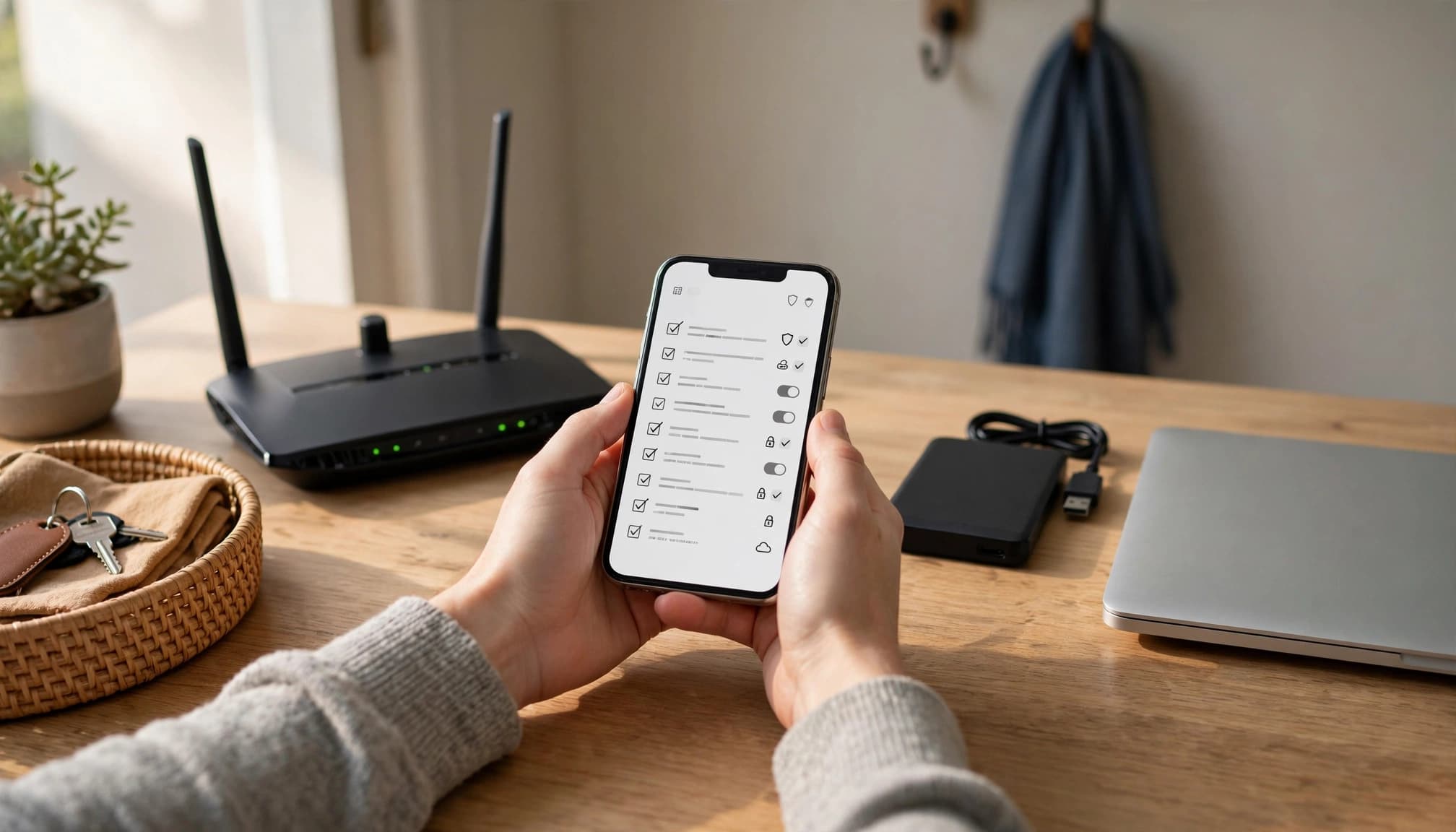
Use this checklist to reduce common risks:
- Turn on multi-factor authentication for email, banking, social media, and other important accounts.
- Create a unique, strong password for every account. A password manager can generate and store them securely. Keep a backup plan for accessing your password manager if your primary device fails.
- Install operating system, browser, app, and firmware updates promptly.
- Lock your phone and computer automatically, and use a strong passcode or biometric sign-in.
- Review account alerts for unfamiliar logins, password changes, or payment activity.
- Limit app permissions, especially access to contacts, location, the microphone, and stored files.
- Replace default router credentials, use WPA2 or WPA3 encryption, and update your home Wi-Fi equipment.
- Back up important files to a separate location, then test that you can restore them.
- Verify unusual requests for money, passwords, access, or sensitive files through a separate trusted channel.
Public Wi-Fi requires extra care. Avoid sensitive transactions when possible, confirm the network name, and never ignore browser security warnings. Shared devices also need caution, so sign out of accounts and avoid saving passwords in shared browsers.
Controls Businesses Should Put in Place First
Organizations should build basic protections before buying complex security tools. Start by recording every device, application, cloud service, and sensitive data store. Then assess which assets would cause the most harm if exposed, changed, or unavailable.
Next, review user access regularly. Apply least privilege, require multi-factor authentication, and remove accounts promptly when roles change. Businesses should also deploy endpoint detection, email filtering, vulnerability scanning, encryption, and centralized logs. These controls help teams block threats, find suspicious activity, and investigate incidents.
Regular security training should cover phishing, safe file handling, password use, and reporting procedures. Vendor reviews matter too, especially when suppliers handle customer data or connect to internal systems.
Finally, create and test an incident response plan. It should identify contacts, isolation steps, backup procedures, legal obligations, and communication responsibilities. Small businesses can gain strong protection by completing these basics before adding expensive platforms.
How to Build a Practical Cybersecurity Strategy
A practical cybersecurity strategy connects daily safeguards to the risks that matter most. Start with a repeatable cycle: identify important assets, assess threats, prioritize risks, apply controls, monitor activity, test defenses, and improve after incidents.

How to Choose Cybersecurity Tools and Services
Compare each product by the problem it solves, not by its feature list. A password manager should support unique credentials and secure sharing. Endpoint protection should detect malware and suspicious activity. Cloud security tools should cover the services your organization uses, while vulnerability scanners should produce findings your team can fix.
Also review ease of use, coverage, integrations, alert quality, vendor support, privacy practices, and total cost. A managed security service provider may help when you lack security staff. Security awareness platforms can support training and phishing simulations.
Before buying, assign an owner and define a measurable result. For example, track multi-factor authentication coverage, critical vulnerabilities closed, or the time needed to investigate alerts. A product without an owner becomes shelfware, regardless of its capabilities.
How Much Cybersecurity Should an Organization Have?
The right level depends on your size, industry, data, technology, legal duties, and tolerance for disruption. A healthcare provider or financial institution may need stronger controls than a small business with limited sensitive data.
Budget for software, trained staff, security assessments, employee training, backups, and insurance. Then compare those costs with downtime, lost revenue, recovery work, customer notification, and legal expenses after an incident. A cybersecurity risk assessment guide can help organize that review.
A risk-based budget is more useful than a promise of perfect protection. Spend first on systems and data whose compromise would cause the greatest harm.
What to Do When a Cybersecurity Incident Happens
Stay calm, report the incident, and follow your response plan. Disconnect an affected device when appropriate, but preserve logs, messages, and other evidence. Notify the people responsible for security, technology, legal matters, communications, and leadership.
After containment, restore systems from clean, tested backups and monitor for continued access. Notification duties vary by state, industry, contract, and incident type, so involve qualified legal, regulatory, law enforcement, and insurance professionals.
Use the NIST Cybersecurity Framework 2.0 to organize improvement across Govern, Identify, Protect, Detect, Respond, and Recover. No framework fits every organization, but a structured cycle makes gaps easier to find and fix.
Conclusion
Cybersecurity is an ongoing process built on simple habits, well-managed technology, trained users, and tested response plans. Multi-factor authentication, timely updates, protected backups, limited access, and regular training reduce risk, while an incident response plan helps limit damage when something goes wrong.
Start today by choosing one important account, device, or system and improving its protection. Small, consistent steps make cybersecurity stronger over time.